

Resetting Player Cache
Updated Jul 31, 20261 min read
In Short: This article covers the steps required to reset a players cache system by logging out and re-entering a devices PIN
Why might this be required?
- Playback is buffering or stopping
- The wrong PIN was inadvertently entered
- You want to force a change that has not appeared
Steps to Success:
- Using your remote press the back button. This is located about the settings button. After doing so you should see the following menu:
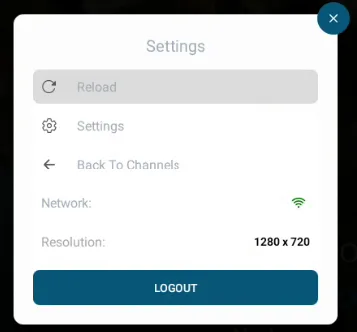
- Navigate down to the logout button - select this by pressing the middle circle button on the remote.
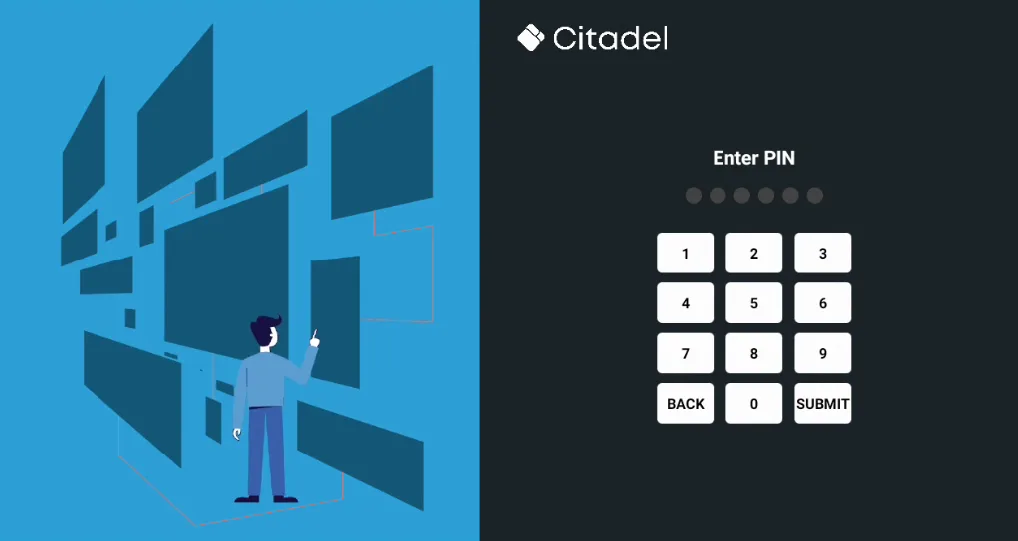
- After doing so you will be brought back to the PIN page where you will be able to re-enter the PIN given.
- All done! If you have any further issues feel free to submit a ticket to our support team!